
Do You Need a Website to Start Online? The Tech Setup Explained Simply
Yes, you need a website if you want to build an online income that you own and that people can find. Of everything on the technical side of starting online, the website is the one piece that matters. The domain, hosting, email and tools around it are smaller jobs than they look from the outside.
This article stays on the tech side only. It covers what a website is made of, what you can ignore at the start, and what a first setup looks like in order.
So, do you actually need a website? The short honest answer
You can earn money online without one. People sell on marketplaces, share affiliate links on social media, or take freelance work through a platform. All of that is possible, and none of it requires you to own a site.
What those routes have in common is that you work inside someone else’s platform and follow its rules. If your goal is to build something lasting, with your own articles, your own audience and a place people can visit and trust, a website is the foundation. It is also the one piece of tech that makes the rest easier to understand, because everything else you might add (email, social accounts, videos) can point back to it.
If you are still deciding what to do online at all, finish that decision first. The website comes after you know what it is for.
What a website really is, in plain words
A website has three parts, and each has a plain job.
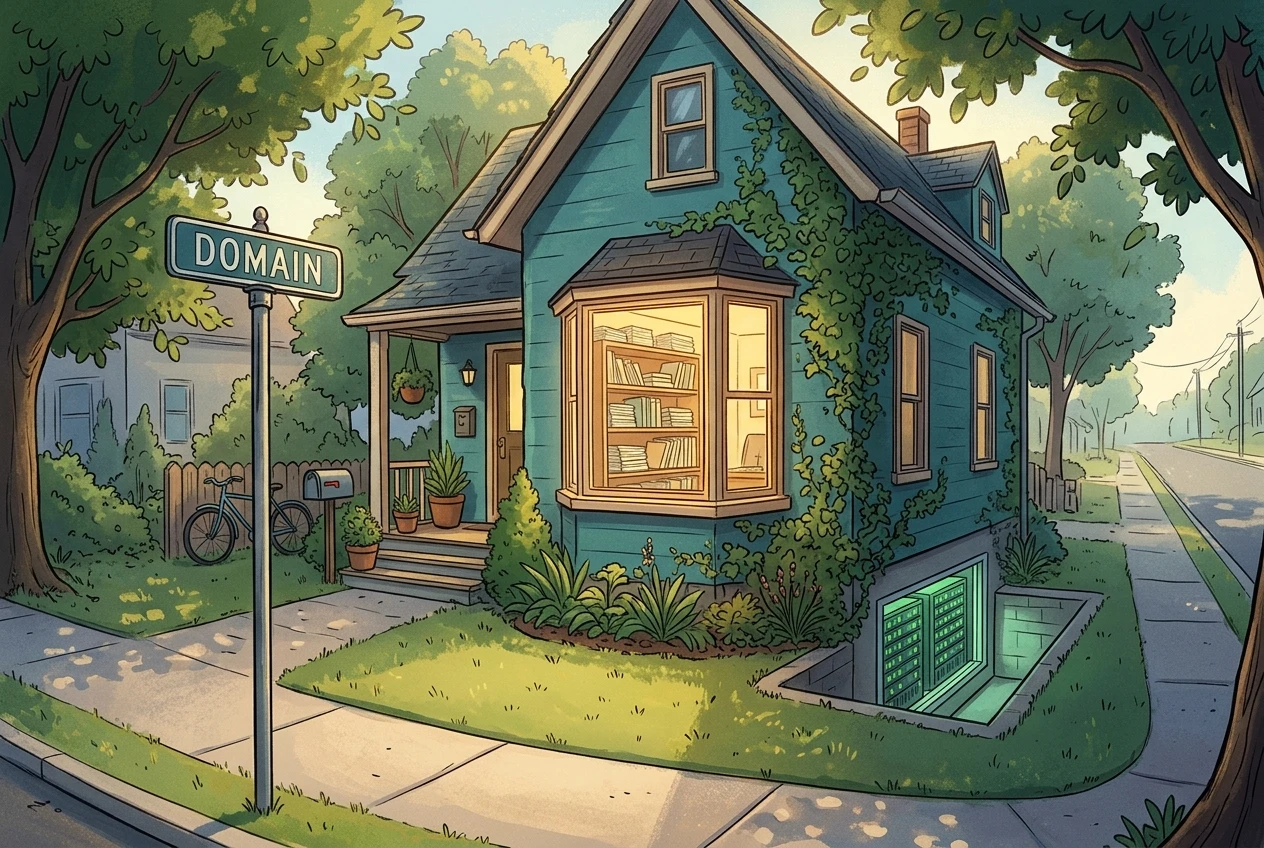
- The domain is the address people type to find you, such as yourname.com. You register it for a period of time, usually a year at a time, and it is yours for as long as you keep renewing it.
- Hosting is the computer that stores your website’s files. That computer is always switched on and connected to the internet, so when someone types your address, it sends them your pages at any hour.
- Pages are what visitors actually read: a home page, an About page, and your articles. This is the part you will spend most of your time on.
You also need something to build the pages with. A website builder lets you create and edit pages by typing and clicking, the way you would write a document, with no code. You choose a design, add text and images, and press publish.
That is the whole structure. Address, storage, pages. Most of the jargon you will run into later is a more detailed description of one of those three things.
The tech you can skip for now
Beginners often stall because they think every item on the internet’s checklist applies on day one. These can wait:
- A custom logo. A clean text title at the top of the site is enough while you are learning. You can replace it later.
- Paid ads. Ads cost money and need a working site and a clear offer first. A beginner has neither yet.
- Email marketing software. An email list is useful once people are visiting your site regularly. Until then there is nobody to send emails to.
- A custom business email address. The email address you already use is fine for signing up to things and for readers who contact you.
- Coding. A website builder handles the code. You can learn what it does later if you get curious.
- Premium add-ons and plugins. The default design and features are enough to publish a good site.
- Analytics dashboards. Numbers mean little until there are visitors. Check them once your site has been live for a while.
- Several social accounts. One or two are plenty, and they can wait until the site has a few articles to share.
Skipping these is not cutting corners. It keeps the number of decisions small enough that you actually finish the setup.
Why a website beats a social page when you want people to trust you
Social pages are good for reaching people. They are weaker as the place where someone decides whether to trust you.
A website is yours. You decide how it looks, what is on it and how it is organised. On a social platform, the platform decides how and to whom your posts are shown, and it can change those rules without asking you.

A website is also searchable in a way a social feed is not. An article you publish can be found by someone searching for the answer to a question, long after you wrote it. Most social posts are seen briefly and then scroll out of view.
Then there is how it looks to a reader. A site with an About page, a handful of useful articles and a clear subject shows that someone has put effort into helping people. A reader deciding whether to follow your advice, or click a recommendation, has more to go on than a single post.
Social media still has a use. Facebook and YouTube are good places to share what you publish and send people back to your site. The website is the base, and the social accounts bring people to it.
What a beginner’s first setup looks like, piece by piece
Here is the order that keeps the work manageable.
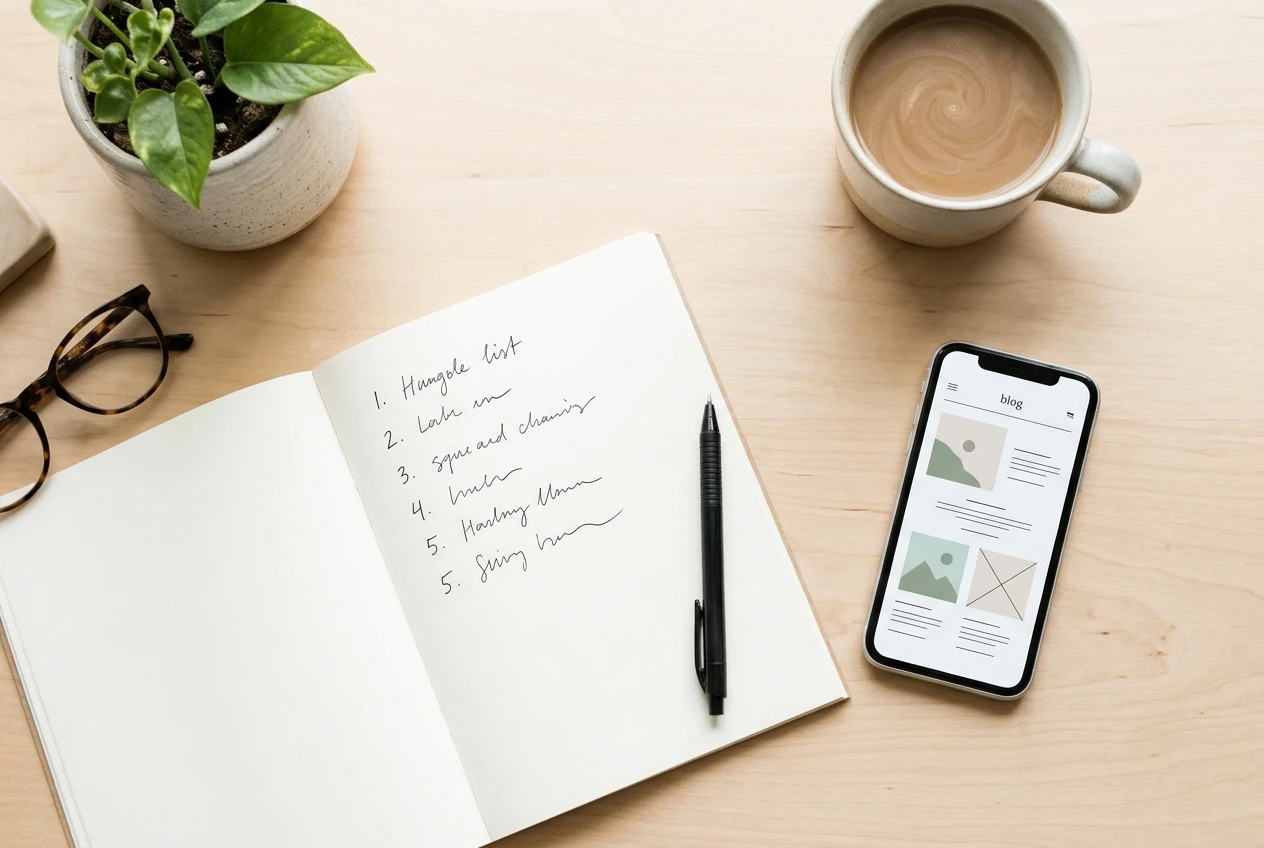
- Pick a subject. A website needs a topic, and a clear one makes every later decision easier, from the domain name to what you write first. Choose something you could write dozens of useful articles about.
- Choose a domain name. Aim for something short, easy to spell and easy to say out loud. Avoid hyphens and numbers, which people forget or type wrong.
- Set up hosting. This is the storage that keeps your site online. You choose a provider, connect your domain to it, and from then on the site is available to visitors.
- Pick a design. Choose a simple, readable layout. Plain designs load quickly and are easy to read on a phone.
- Create the core pages. Start with a home page, an About page that says who the site is for and what it covers, and a way for readers to contact you.
- Publish your first articles. Write about one question a reader in your subject might have, answer it clearly, and publish it. Then do the same for the next question.
- Check it on your phone. Many visitors will arrive on a phone, so open your site there and make sure the text is readable and the menu works.
That is a complete first setup. Nothing in the list needs special skills beyond following instructions and writing in plain language.
Where beginners get stuck, and how to get past each snag
You cannot decide on a domain name. The perfect name does not exist, and a good enough one does. Pick something short that fits your subject, check that it is available, and move on. The name matters much less than the content behind it.
You are afraid of breaking something. A website builder is designed for people who have never built a site, and edits can be changed back. Click around, preview your changes before you publish, and treat the first week as practice.
You do not know what to write. Start with the questions a newcomer to your subject would ask. Each question can become one article, and your list of articles grows from there.
The site looks plain. A simple site with clear writing is better than a complicated one that is half finished. Design improvements can come after you have content.
There are too many choices. Go back to the list of things to skip. If a tool or setting is not in the seven pieces above, leave it for later.
Nobody visits at first. A new site starts with no visitors, and that is normal. Publishing useful articles regularly is how a site gets found over time, so the early work is writing and publishing.
How Wealthy Affiliate puts the setup in one place so you are not piecing it together alone
The hard part of a first setup for most beginners is not any single piece. It is that the pieces come from different places: a domain from one company, hosting from another, a site builder somewhere else, and instructions scattered across the internet. Each one has its own account, its own menus and its own vocabulary.
Wealthy Affiliate brings website building, hosting and guided Learn material into one place. You build your site, host it and follow the guidance in the same account, so you are not copying settings between services or guessing which tutorial applies to your situation. For someone who feels intimidated by the technical side, having one place to look is a real help.
If the tech side is the thing holding you back, look at how Wealthy Affiliate bundles website building, hosting and guidance in Learn, and start with a free account to see the setup for yourself.
If you are still deciding what to do online at all, where to start online when you know nothing yet is the right read before you set anything up.
Related Post

Evaluating The Pros And Cons Of Golf Tours
Getting a tee time at a world-famous golf course? That’s often a bucket list item. [...]